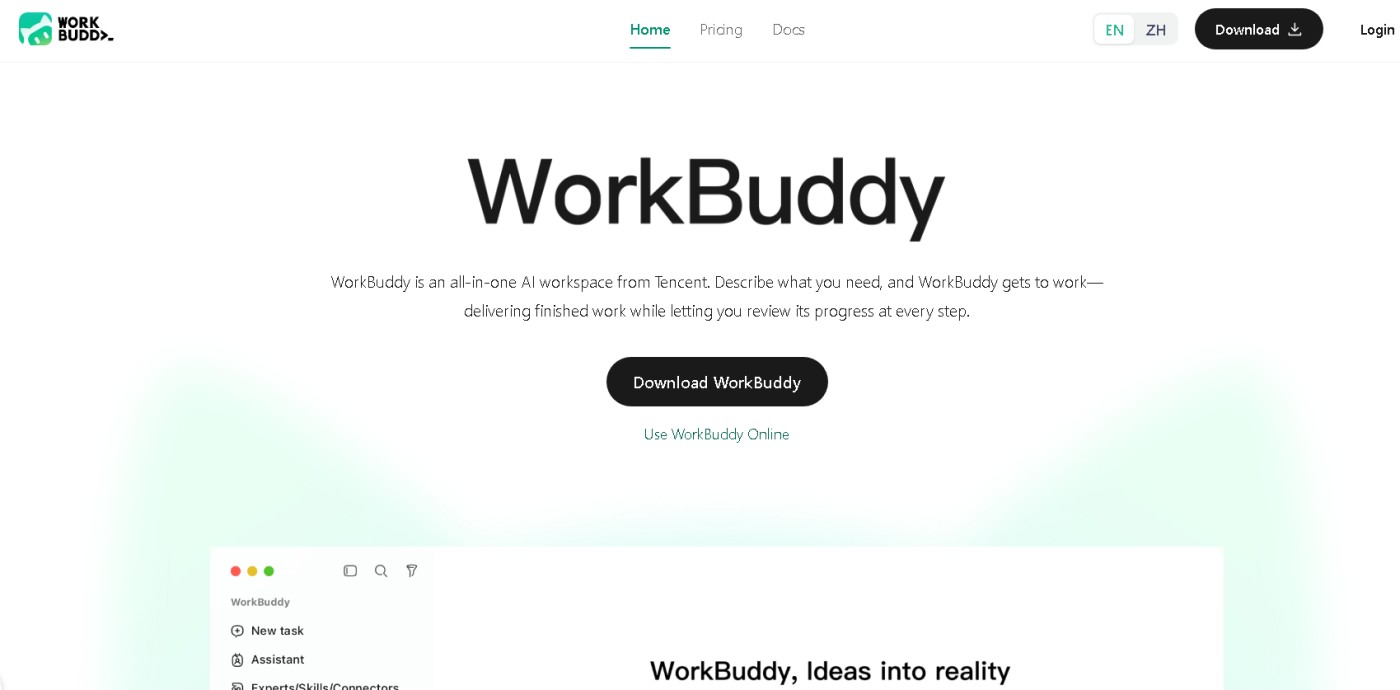
WorkBuddy : WorkBuddy : Tencent's AI agent for everyday office work that turns one sentence into finished reports, decks and spreadsheets.
WorkBuddy, a Tencent AI desktop agent by the CodeBuddy team, outputs editable files instead of chat replies. Authorize a folder and describe your task; it reads local Office files, PDFs and images to deliver Word, Excel, PowerPoint, PDF or Markdown.
It automates repetitive work, supports parallel and scheduled tasks, and can be triggered remotely via Slack, Telegram, Discord and WeCom. Extensible via skills and MCP, it requires confirmation for risky operations.
This local macOS/Windows app offers a free tier at workbuddy.ai. Avoid exposing sensitive data. The Team edition includes permission controls, shared assets, an admin console and unified billing.
How is WorkBuddy different from CodeBuddy, and what is WorkBuddy Enterprise?
Same family, different desks. The official docs publish four product lines side by side — IDE, CLI, WorkBuddy and WorkBuddy Enterprise — and WorkBuddy's own page credits the CodeBuddy team as its builder. CodeBuddy is the coding agent shipped as an IDE, a plugin and a command-line tool; WorkBuddy is the general office agent for documents, spreadsheets, decks and analysis, and assumes you do not write code. WorkBuddy Enterprise is the team deployment: permission controls, shared assets, an admin console and unified billing, so work can be pooled across a department rather than kept on one laptop. Try the consumer build first — the enterprise layer only becomes worth paying for once several people are running the same kinds of tasks.
What does WorkBuddy touch on my computer, and how safe is it?
Only the folders you authorize during setup — file operations are scoped to those directories, not to the whole drive — and operations judged risky require your confirmation before they run. That is the design, and the responsibility is still yours: authorizing a folder means an agent can read, rename, merge and overwrite inside it, so keep client contracts, ID scans and payroll files out of the folders you hand over, and read the execution log after the first few runs instead of trusting the default. The company's own guidance on the page is blunt about it — avoid exposing sensitive data. It is also a Tencent product, so prompts and documents you hand it are processed through Tencent's service under Tencent's terms and Chinese data law, which is a different bargain from a Western vendor's.
Can I use WorkBuddy outside China, and is there an English interface?
Yes, and this is one of the few Tencent products where the international build is not an afterthought. workbuddy.ai serves an English site and English documentation, sign-up works with Google, GitHub or X, and the client's interface language is switched inside the app under Profile → Language. The desktop app runs on Windows 10 or later (Windows 7, 8 and 8.1 will not start it; x64 with ARM64 supported) and on macOS. There is no browser version: the whole product depends on reaching folders on your own machine, so it is desktop-only by design. Remote triggering through a connected messenger is available, but treat that as a security decision rather than a convenience toggle.
What can WorkBuddy do that a chat assistant cannot?
It executes on your files instead of describing what you could do with them. The documented scenarios are document generation (work reports, technical documents, meeting minutes), data analysis with visualisation, PPT and report generation from a written brief, deep research, everyday office writing such as emails and weekly reports, and batch file processing — organising, renaming and converting formats across a folder. It reads authorized local folders, takes documents, spreadsheets, presentations, PDFs and images as input, and hands back editable Word, Excel, PowerPoint, PDF or Markdown files rather than a chat reply. That is the line the official docs draw: chat gives suggestions, WorkBuddy runs multi-step tasks and returns artifacts you review.
Is WorkBuddy free, and how do I sign up?
The app downloads and starts free from workbuddy.ai — no card and no invite code. Registration is the part that surprises people expecting a Chinese product: after the browser opens the login page, you sign up with a Google, GitHub or X account, and no Chinese phone number is involved at any step. You have to tick the agreement covering the Privacy Policy, the Data Processing and Security Agreement and the CodeBuddy Terms of Service before the account is created, then you are returned to the desktop client already signed in. Paid tiers exist for teams rather than for individuals, and the consumer build is the one to evaluate first.
Last Updated: 2026-11-04Screenshot of [WorkBuddy > www.workbuddy.ai]